BRNSFT's Productivity Blog
Tags
- AI
- Agents
- Change
- Context Switching
- Decent Work
- Deep Work
- Economic Impact
- Employee Engagement
- Employee Well-being
- Generative AI
- Habits
- Ikuna
- LLM
- LLM Agents
- Mental-Models
- Mindset
- Positive
- Productivity
- Routine
- Routines
- Save Workspace
- Well-Being
- Well-being
- Workplace Dignity
- attention management
- brain
- burnout
- burnout prevention
- cognitive
- cognitiveload
- comfort zone
- concentration
- deep work
- digital nomad
- digital wellbeing
- efficiency
- environment
- ergonomics
- eventsegmentation
- focus
- home office
- mental health
- mentalhealth
- mentalwellbeing
- mindfulness
- modern science based solutions
- productivity
- science
- time management
- work habits
Latest Blogs

How to Keep Your Focus State When Switching From Mac to iPhone
The biggest focus killer isn't a notification; it's leaving your desk. When you switch from Mac to iPhone, your focus context disappears. Apple's Focus Modes sync Do Not Disturb across devices but don't preserve what you were working on. The fix is pairing a workspace manager (for your Mac environment) with a focus companion (for your phone) so your focus state survives the device switch.

Why Your Pomodoro App Stops Working After a Week (And What to Do About It)
Most Pomodoro apps stop working within a week because they offer nothing beyond a countdown clock. Once the novelty of timing yourself wears off, you ignore the timer, skip breaks, and abandon the technique. This is timer fatigue, the pattern where a focus tool becomes invisible through repetition. The fix is not a better timer. It is an engagement layer that makes each focus session feel different from the last.
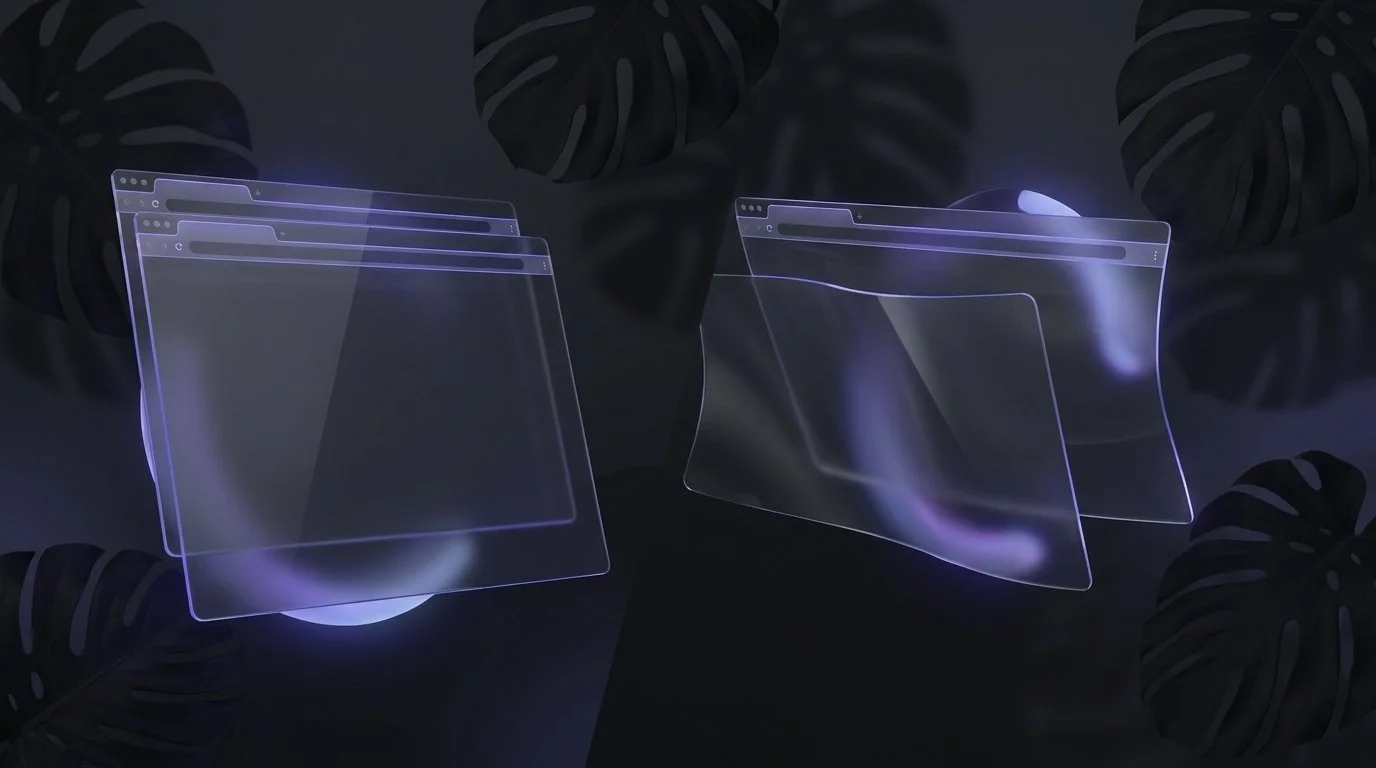
How to Stop Losing Your Browser Tabs When Switching Mac Projects
Every time you switch between projects on your Mac, your browser tabs disappear or get mixed up with other tabs.
You close Chrome to focus on a new client. When you come back, those 12 research tabs are gone, buried in history, or merged into a different session. You don’t just lose tabs. You lose context.
macOS was never designed to understand projects. It understands apps. It understands windows. But it does not understand that a set of tabs belongs to a specific piece of work.
Ikuna solves this at the system level. It saves your browser tabs as part of a named project context and restores them when you switch back.
No extensions. No bookmarking workflows. No reconstruction.
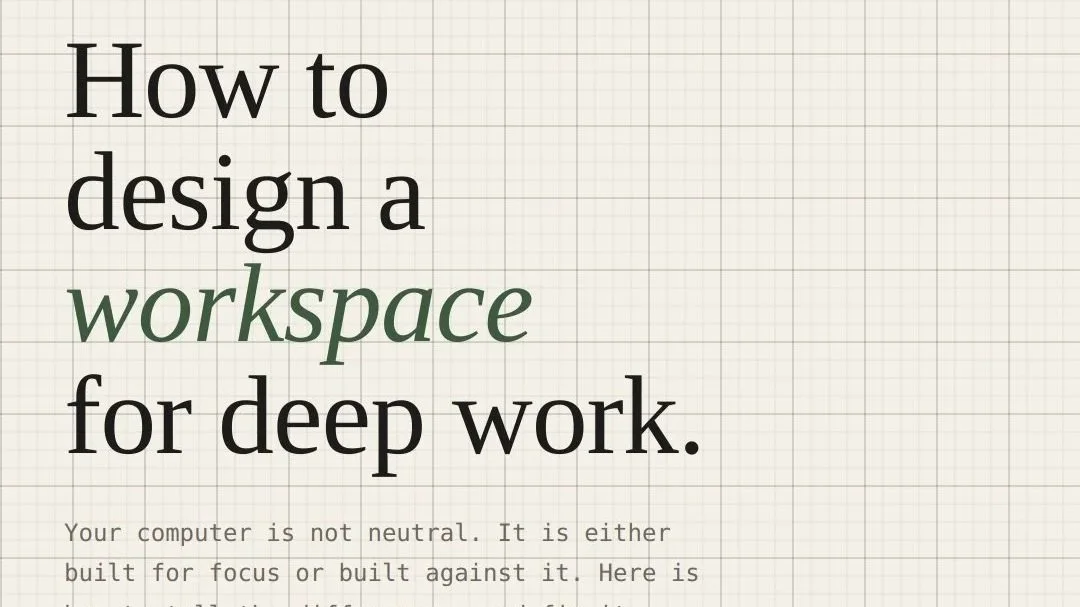
How to Design a Workspace for Deep Work (And Why Your Computer Is Fighting You)
Your default computer setup was not designed for focus. It was designed for reactivity. Here is what to change, and why the physical, digital, and sensory layers all matter.
How to Use macOS Focus Modes with Workspace Automation
macOS Focus Modes silence notifications, but they don't launch your apps, restore your tabs, or set up your workspace. When you combine Focus Modes with a context manager like Ikuna, activating "Deep Writing" doesn't just block distractions
Best macOS Workspace Managers Compared (2026)
The best macOS workspace manager depends on what problem you're solving. Window positioning, workspace switching, or full project context persistence are three different needs served by different tools. Ikuna saves your complete project environment (apps, tabs, windows, Focus Mode) and restores it when you switch projects. BetterStage combines window tiling with named stages and AI-powered layouts. Spencer saves window layouts across virtual Desktops. Rectangle snaps and resizes windows. Stage Manager groups open windows visually.
How to Stop Your Mac From Defaulting to Distraction Mode
Your Mac defaults to distraction mode because it's configured for app switching, not focused work. Notifications, irrelevant apps, open browser tabs, no project boundaries: the default macOS setup optimizes for access, not focus. Fixing it requires two changes: silencing the interruption layer and structuring your workspace layer. The interruption layer is what pulls your attention away (notifications, badges, sounds). The workspace layer is what's already open when you sit down to work. Most people fix the first and ignore the second. That's why Do Not Disturb alone doesn't work.
Color Is Controlling Your Focus More Than You Think
Most people think productivity lives or dies at the level of discipline.
They think the answer is better habits, stricter routines, more self-control, another optimization system, another app. So they keep adjusting the visible parts of their life while ignoring the conditions that quietly shape their behavior underneath all of it.
What Is a Context Manager?
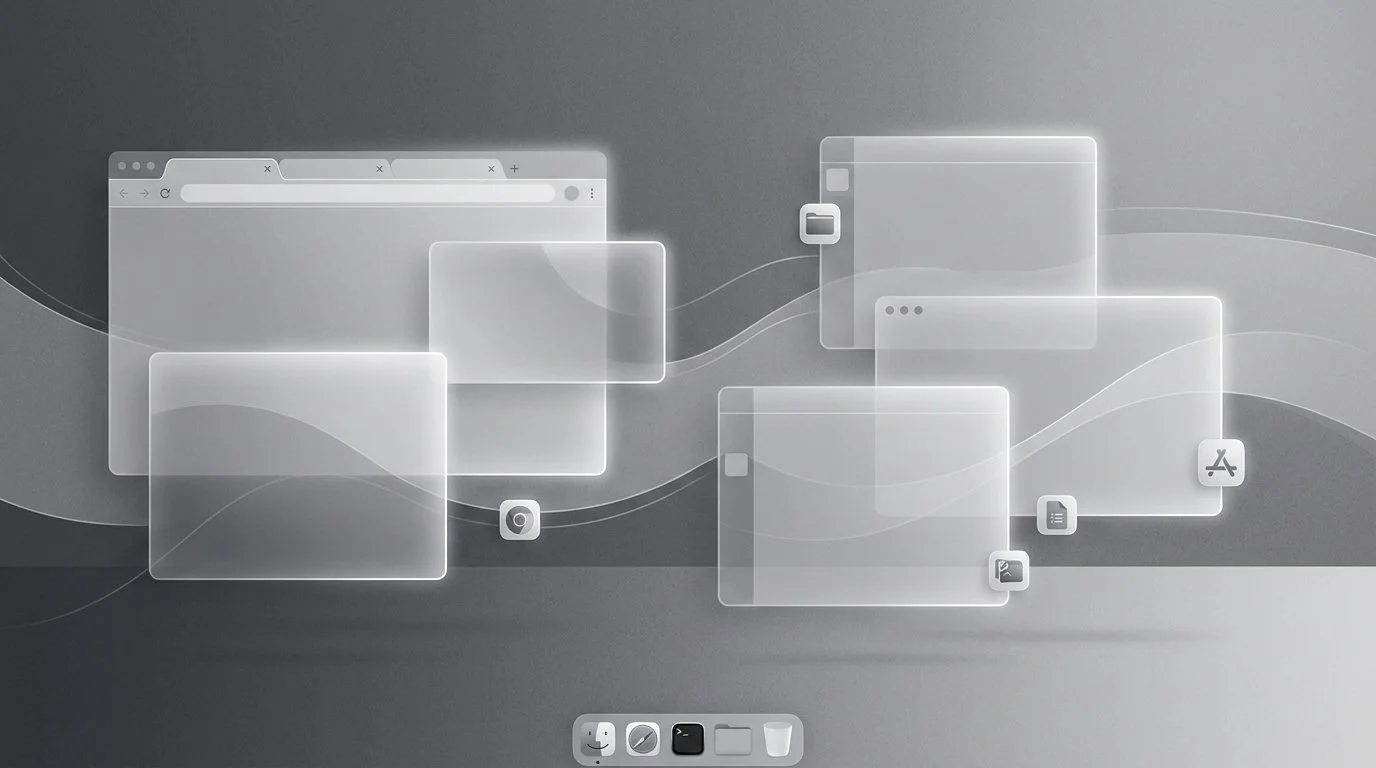
The term "context manager" describes a new category of Mac productivity software that goes beyond traditional window management. While Rectangle moves windows and BetterStage saves workspace layouts, a context manager like Ikuna captures the full cognitive environment of a project: which apps you need, which tabs are open, and which system state supports that specific type of work.

You Use Rectangle. Here's the Layer It's Missing.
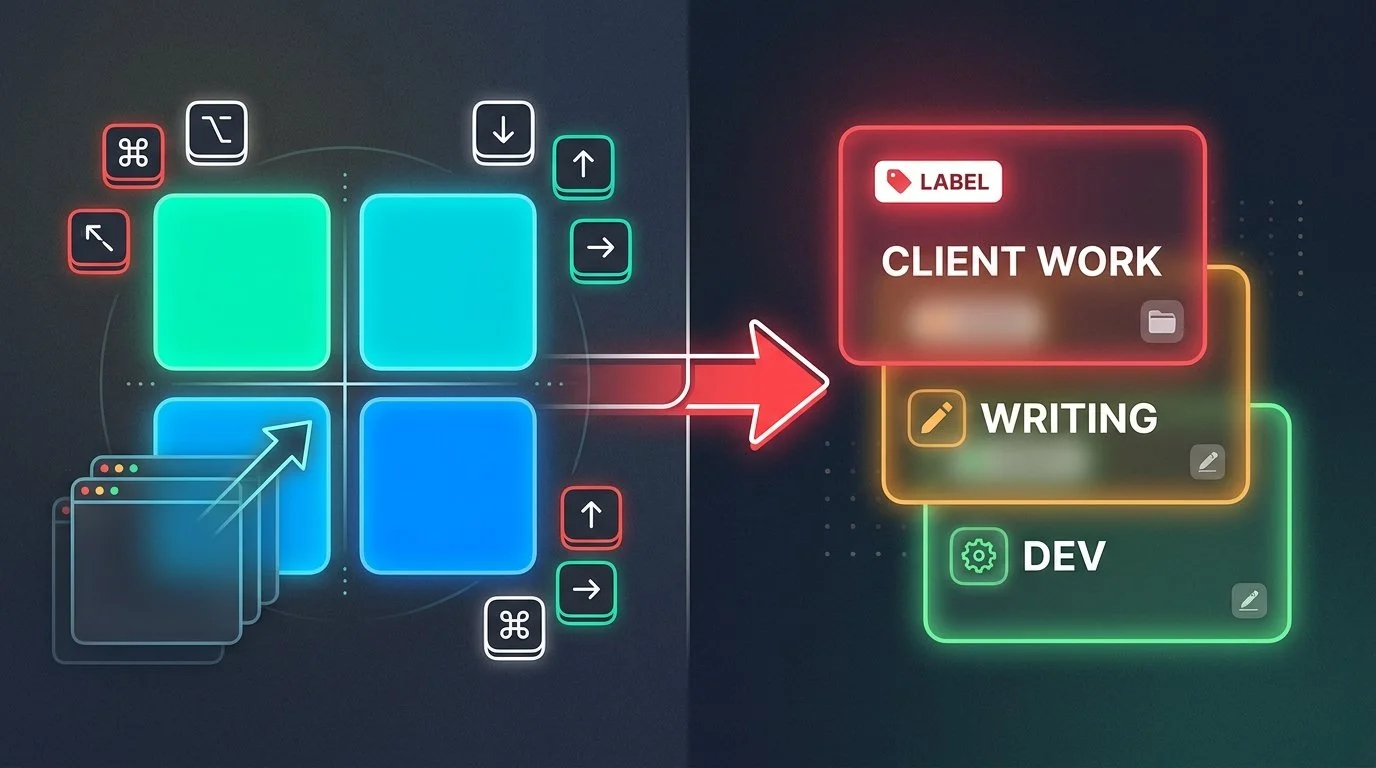
Rectangle is excellent at what it does: snap windows, resize them with keyboard shortcuts, and tile your screen layout. But if you're still manually reopening apps, hunting for browser tabs, and rebuilding your workspace every time you switch projects, that's not a Rectangle problem. That's a context persistence problem.

How to Save Your Entire Workspace Setup on Mac and Restore It Later
Ikuna saves your complete workspace setup on Mac as a named context and restores it in one click. This includes which apps are open, which browser tabs are loaded, where each window is positioned, and which Focus mode is active. When you switch projects, Ikuna closes the current context and reopens everything for the new one exactly as you left it.
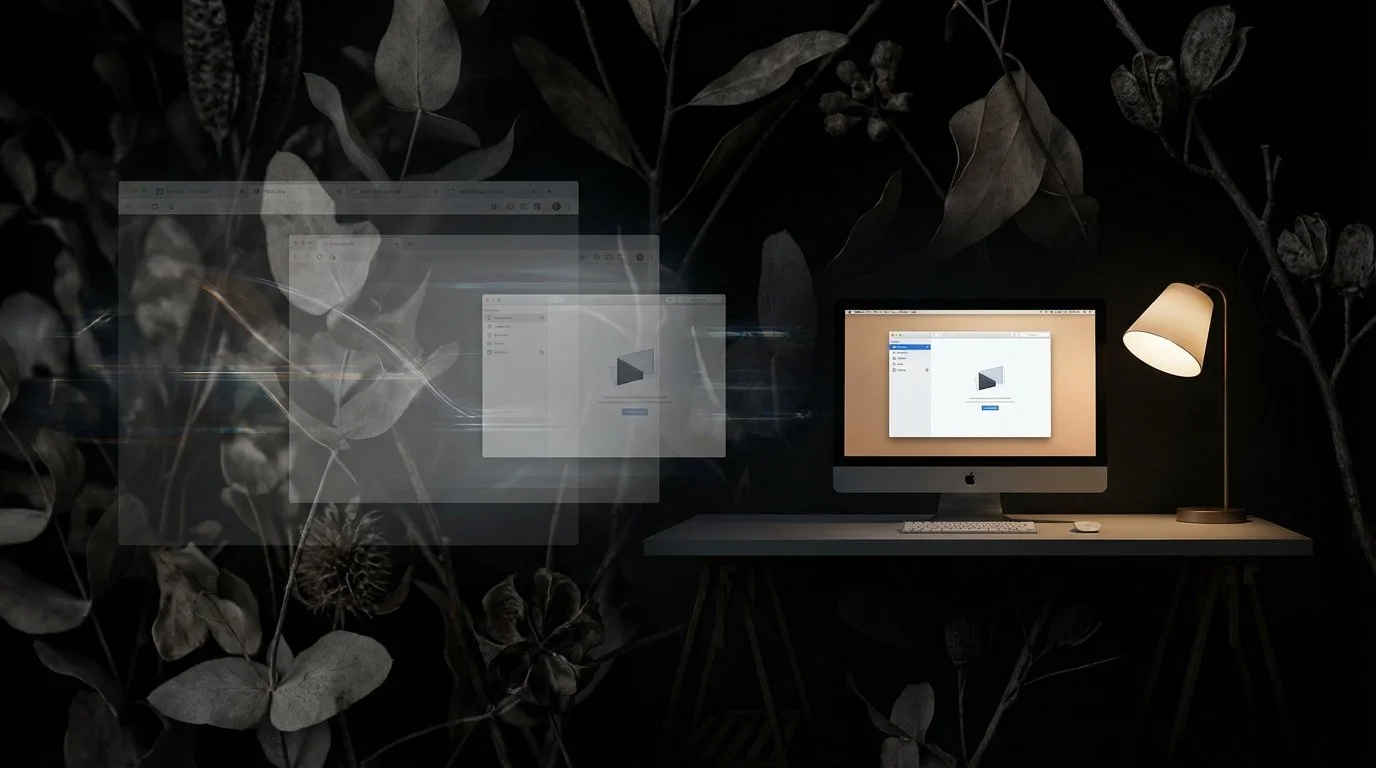
The Complete Mac Deep Work Setup Guide: Tools That Actually Stop Digital Chaos
Getting pulled in different directions during deep work on a Mac has two distinct causes, and most people only fix one. A complete deep work setup on Mac needs to address both. Ikuna solves the environmental layer by saving and restoring your entire workspace state in under three seconds.


The Best macOS Apps for Single-Tasking and Deep Focus in 2026
What Makes a Mac App Good for Single-Tasking?
A good single-tasking app eliminates distractions, helps you load the right context quickly, and reduces the friction of getting into focused work. The best tools do at least one of these exceptionally well.
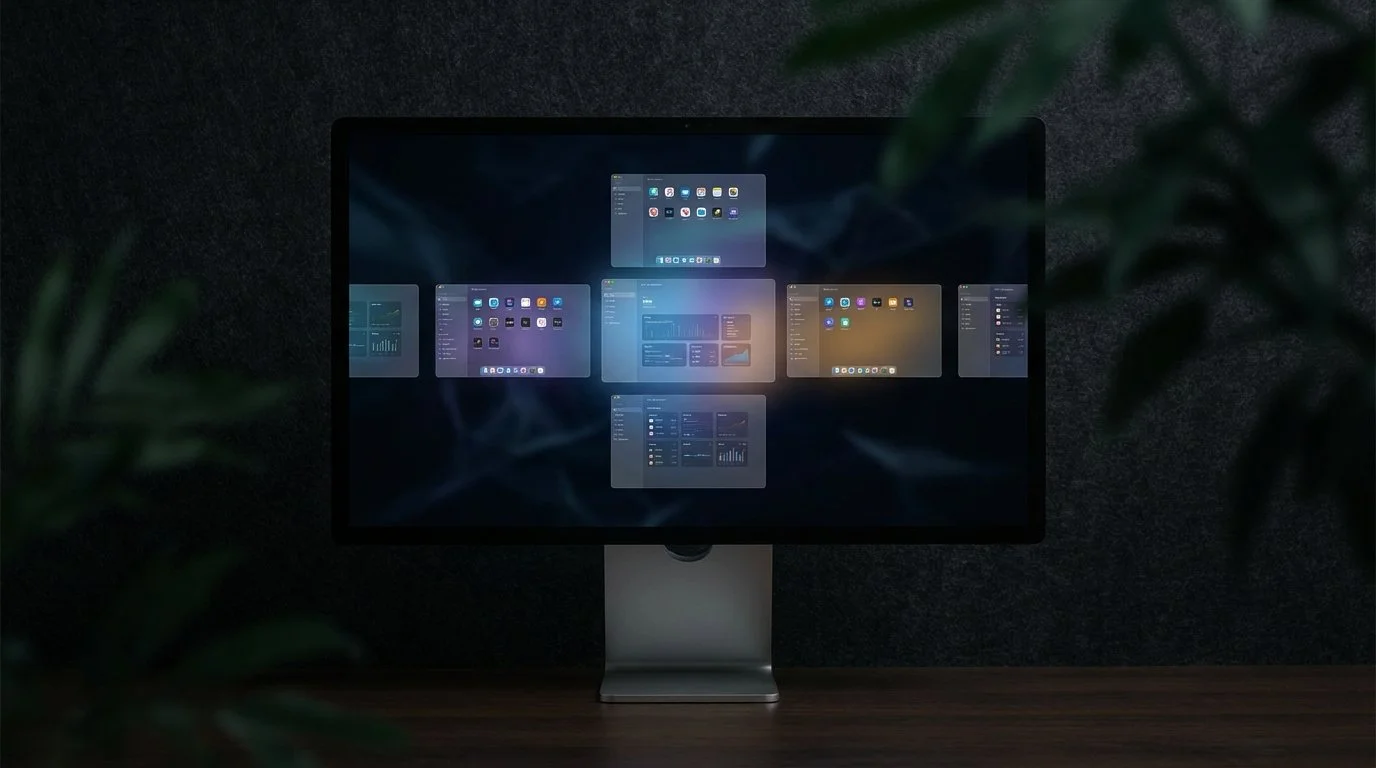
How to Organize Multiple Projects into Separate Workspaces on macOS (2026 Guide)
You can organize multiple projects into separate workspaces on macOS using two complementary approaches: macOS Spaces for visual screen separation, and a context manager like Ikuna for complete project environment restoration. Spaces let you assign different apps to different virtual desktops, which helps keep work visually organized while you're actively using your Mac.

The Hidden Cost of Context Switching: How Workspace State Management Saves 40% of Your Productive Time
Context switching reduces your productive time by up to 40%, according to the American Psychological Association. That's not a productivity tip you missed or a time management hack you need to learn. It's a systems problem.
Rectangle vs Ikuna: What’s the Difference Between Window Management and Context Management?
A context manager like Ikuna saves your complete project environment: the specific apps, browser tabs, window positions, and Focus Mode settings for each project.

I Keep Losing My Whole Window Setup Every Time I Switch Tasks on My Mac. Is There an App That Saves and Restores Everything?
macOS doesn't save workspace state natively. When you close apps or restart your Mac, everything resets. Virtual desktops (Spaces) remember window positions only while apps stay open, but they don't track which apps belong to which project, and they don't restore closed windows. If you're managing multiple projects- client work, personal tasks, research, you're manually rebuilding your setup every time you switch.
